เกม Minecraft สำหรับ TikTok, YouTube และ Twitch
MobRun. แชตของคุณเป็นคนเล่น
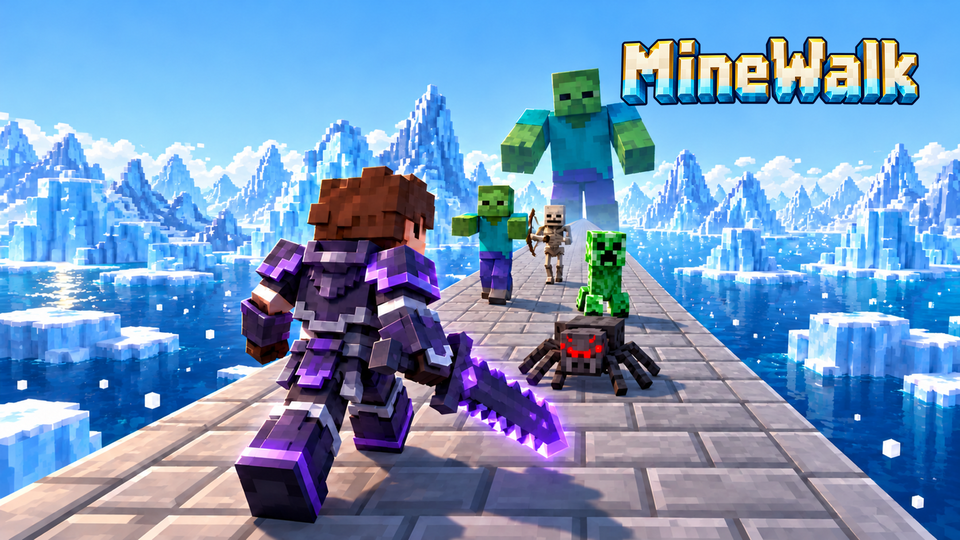
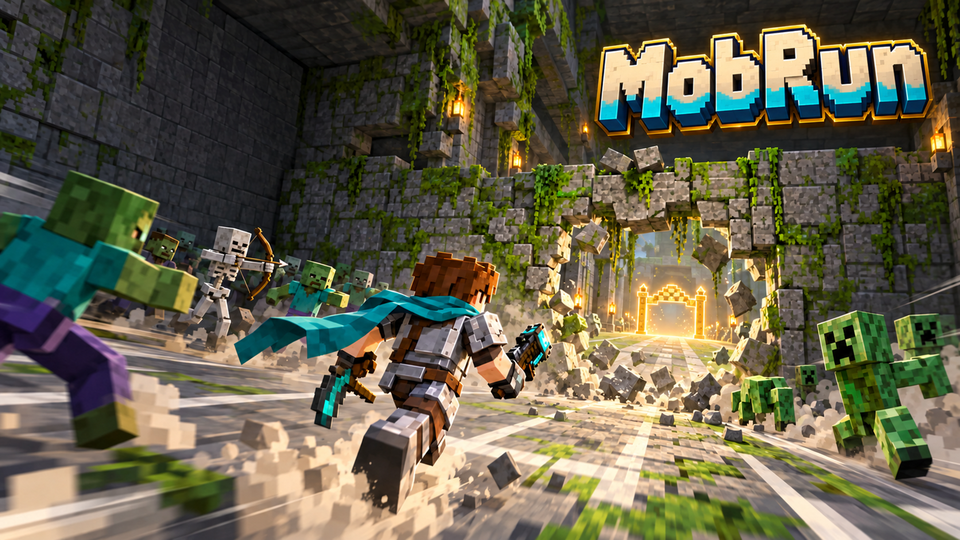
MobRun ใน Minecraft ตัวจริง: วิ่งผ่านอุโมงค์ยาวไปยังเส้นชัยสีทอง และขุดทะลุกำแพงระหว่างทาง ผู้ชมของคุณส่งซอมบี้ แมงมุม มอนสเตอร์ยักษ์ และบอสมาใส่ ผลักคุณถอยหลัง หรือสร้างกำแพงขึ้นใหม่ ผู้ชมยังช่วยได้ด้วย: ความเร็ว อาวุธ การฮีล อุปกรณ์ที่ดีขึ้น หรือระเบิดกำแพงให้ ตายทุกครั้งจะถูกส่งกลับไปจุดเริ่ม มีสี่ด่านสลับกันหลังวิ่งจบแต่ละรอบ: อุโมงค์ป่า สุสานทะเลทรายที่มีรั้วให้กระโดด อุโมงค์น้ำแข็งที่มีเลนสไลด์ และอุโมงค์ Nether ที่มี Soul Sand ทำให้ช้าลง จำนวนรอบเพื่อชนะ จำนวนตายสูงสุด และเวลาอาวุธ คุณตั้งเองได้ ห้องเริ่มต้นเป็นเซฟโซนจนถึงเส้นสีฟ้าอ่อน ชนะและแพ้ของคุณถูกนับไว้ และเกมจะเล่นต่อจากที่คุณหยุดไว้ ปืนของ TikPlay เอง: AK-47 ลูกซอง ปืนสไนเปอร์ มินิกัน เครื่องยิงจรวด และระเบิดมือ และผู้เล่นทุกคนเลือกปุ่มของตัวเองได้
ฟรีWindows 10 และ 11TikTok, YouTube และ TwitchMinecraft: Java Edition 1.13.1
ทำงานอย่างไร
ติดตั้ง TikPlay Launcher
ฟรีสำหรับ Windows 10 และ 11 เข้าสู่ระบบด้วยบัญชี TikPlay ของคุณ
สร้างเซิร์ฟเวอร์ของคุณ
เปิด "เกมม็อด" แล้วเลือกเซิร์ฟเวอร์ Minecraft ระบบจะติดตั้ง Java เซิร์ฟเวอร์ Paper และ TikPlay ให้เอง คุณแค่เลือกว่าจะให้เซิร์ฟเวอร์ใช้หน่วยความจำเท่าไร
เริ่ม MobRun
คลิก "เล่น" ที่ MobRun แล้ว Minecraft: Java Edition จะเปิดขึ้น และคุณจะเข้าเกมทันที
เชื่อมต่อไลฟ์ของคุณ
เริ่มไลฟ์บน TikTok, YouTube หรือ Twitch คลิก "เชื่อมต่อกับ TikPlay" ในลอนเชอร์ แล้วเลือกว่าการโต้ตอบแบบไหนจะเรียกอะไร
คำสั่งใน Minecraft
พิมพ์คำสั่งเหล่านี้ใน Minecraft เพื่อเริ่ม MobRun
/mobrunOpens the MobRun settings in the chat. Everything there is clickable. Short form: /mr
/mobrun map <forest|desert|frozen|nether>Takes you to a map right away and starts a new game: Forest Tunnel, Desert Tomb, Ice Tunnel or Nether Tunnel.
/mobrun rotate [on|off]On: after each finished run the next level follows. Off: always the same map.
/mobrun wins <1-99>Sets how many runs to the finish win the game.
/mobrun deaths <1-99>Sets the death limit: after this many deaths the game is lost.
/mobrun weapons <5-300>Sets how many seconds a weapon from a viewer lasts.
/mobrun restartStarts the run over: back to the start, walls rebuilt, all mobs gone.
/mobrun resetwinsSets the counters for won and lost games back to 0, and the runs and deaths of the game you are in.
/mobrun resetThe game normally continues where you stopped, even after a restart. This starts it from zero: wins and losses, gear, runs and deaths back to the start, walls rebuilt, all mobs gone. Your settings stay.
/mobrun guns [tikplay|simple]Picks the guns viewers send: "tikplay" (TikPlay's own guns) or "simple" (the simple TikPlay weapons).
/mobrun hud [on|off]Shows or hides the stats above the hotbar (time, deaths, runs; under them gear and effects), the wins and losses and the weapon countdown bar.
คำถามเกี่ยวกับ MobRun
MobRun ฟรีไหม?
ใช่ ลอนเชอร์และ MobRun ไม่มีค่าใช้จ่าย เวลาสตรีมเป็นเหมือนทุกที่บน TikPlay: เชื่อมต่อไลฟ์บน TikTok, YouTube และ Twitch ได้ฟรีวันละ 30 นาที และไม่จำกัดเมื่อมี TikPlay Super
MobRun ใช้กับ YouTube และ Twitch ได้ไหม?
ได้ ผู้ชมบน TikTok, YouTube และ Twitch เรียกแอ็กชันได้ จะแพลตฟอร์มเดียวหรือทั้งสามพร้อมกันก็ได้
ต้องใช้ Minecraft แบบไหน?
Minecraft: Java Edition บน PC ของคุณ ลอนเชอร์จะตั้งค่าเซิร์ฟเวอร์ให้ ส่วน Bedrock คอนโซล และ Realms ไม่รองรับ
ผู้ชมของฉันต้องมีอะไรไหม?
ไม่ต้อง ผู้ชมโต้ตอบตามปกติบน TikTok, YouTube หรือ Twitch เช่น ด้วยของขวัญ คอมเมนต์ Super Chats หรือ Bits ไม่ต้องมีบัญชี ไม่ต้องดาวน์โหลด