Your membership belongs to your account, not to a device. Subscribe once and it works in the browser, in the launcher and in the app. In the app it is called the Pass.
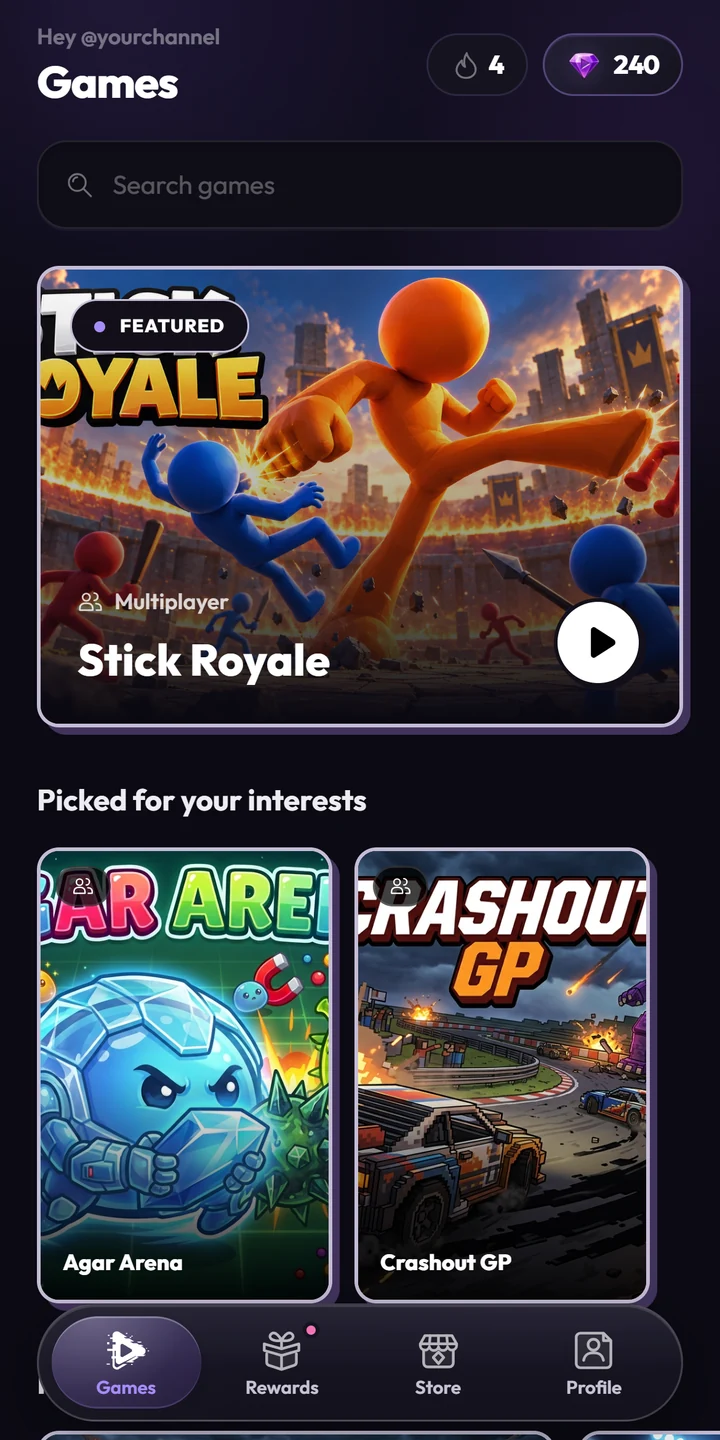
TikPlay turns TikTok LIVE streams into interactive games. Viewers control the game in real time with their comments, likes, gifts and follows. Streamers use TikPlay in the browser, with the Windows launcher or with the Android app.
No. TikPlay runs in your browser. If you prefer an app, there is the TikPlay launcher for Windows and the Android app on Google Play. The iOS app is coming soon.
What are Tiks?
Tiks are TikPlay's own currency in the Windows launcher and the Android app. You collect them with your daily streak, weekly challenges and mystery boxes and spend them on streaming time or on skins in games that have a shop. The launcher and the app share one balance. Tiks have no cash value.
Does my membership work everywhere?
Yes. Your membership belongs to your TikPlay account, so it works on the web, in the launcher and in the app, wherever you subscribed. TikPlay Super runs for 1, 3 or 6 months. In the app, the membership is the weekly TikPlay Pass. Some games are only available on certain devices.
Do I have to subscribe?
No. A Day Pass gives you full access for 24 hours from the moment it starts, and it does not renew.
Can I cancel Super anytime?
Yes. You can cancel at any time and keep access until the end of the period you already paid for. On the 1-month plan that is the current month, on the 3- and 6-month plans the end of that term. Nothing is charged after that.
How do I connect TikPlay to my LIVE?
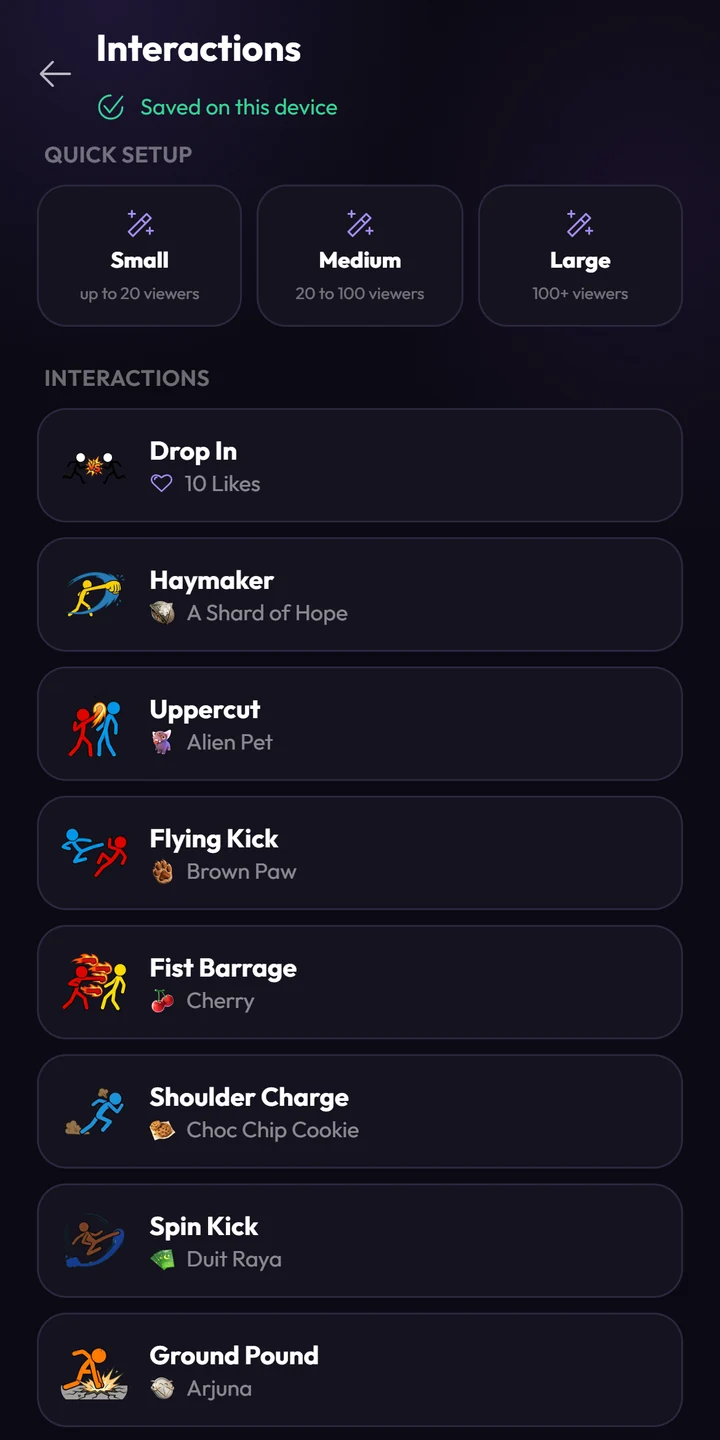
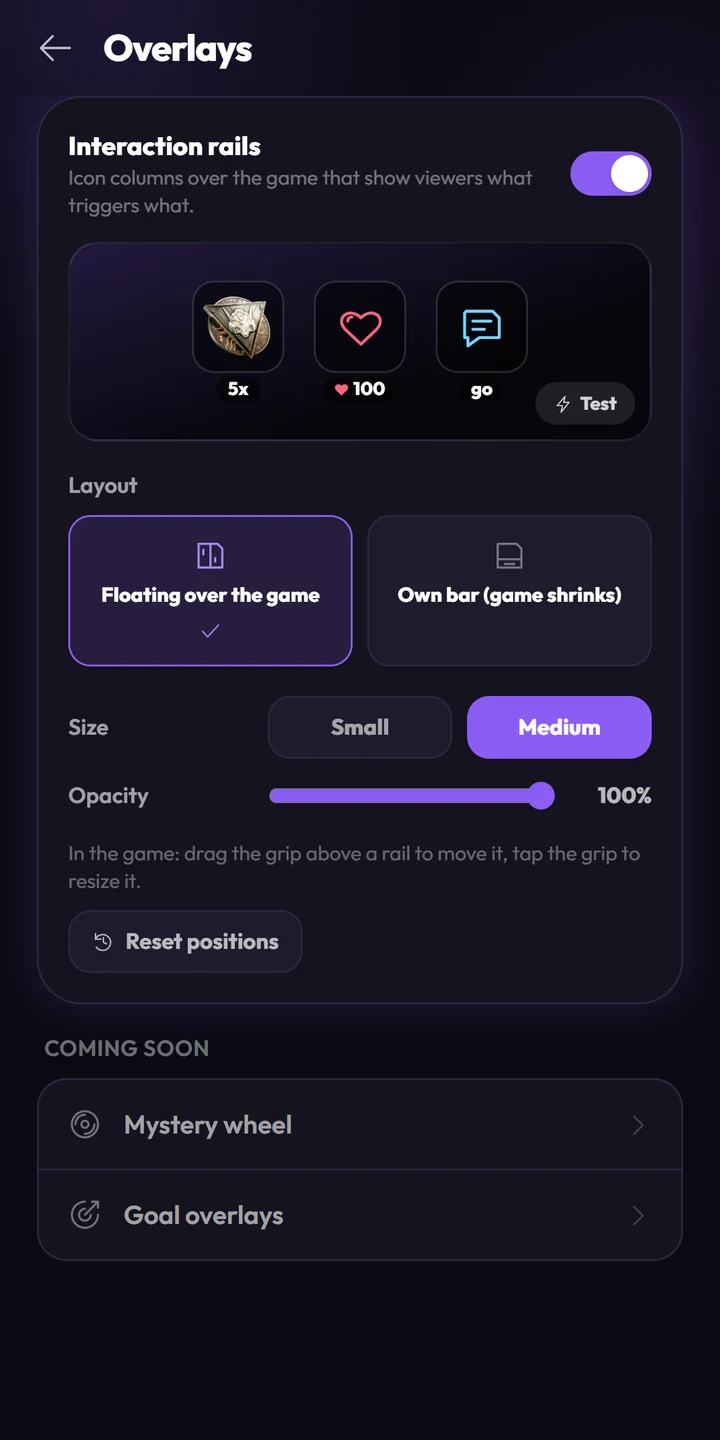
Add your TikTok ID in your profile and go live on TikTok, on a PC with OBS or TikTok LIVE Studio, or on your phone with TikTok's screen sharing. Then connect TikPlay, pick a game and choose what each viewer interaction does. The guide walks you through every step.
Where can I get help?
Join our Discord community for support from experienced streamers and our team.
Know a creator who would love this? Recommend TikPlay and get 15% of the net amount they pay for Super, for up to 12 months.Explore the affiliate program