Windows launcher

Every game. Every mod. One app on your PC.

The TikPlay Launcher is the free Windows app for your stream on TikTok, YouTube and Twitch: all TikPlay games, interactive mods for Minecraft, Valheim, ELDEN RING, R.E.P.O. and MIMESIS, TikMesh Games and the overlay studio. Your chat controls all of it. It also has triggers for OBS and Streamer.bot on all three platforms.

FreeWindows 10 and 11Version 0.1.249112 MB
Watch the 1-minute setup
New in the launcher

TikMesh Games and ELDEN RING are here

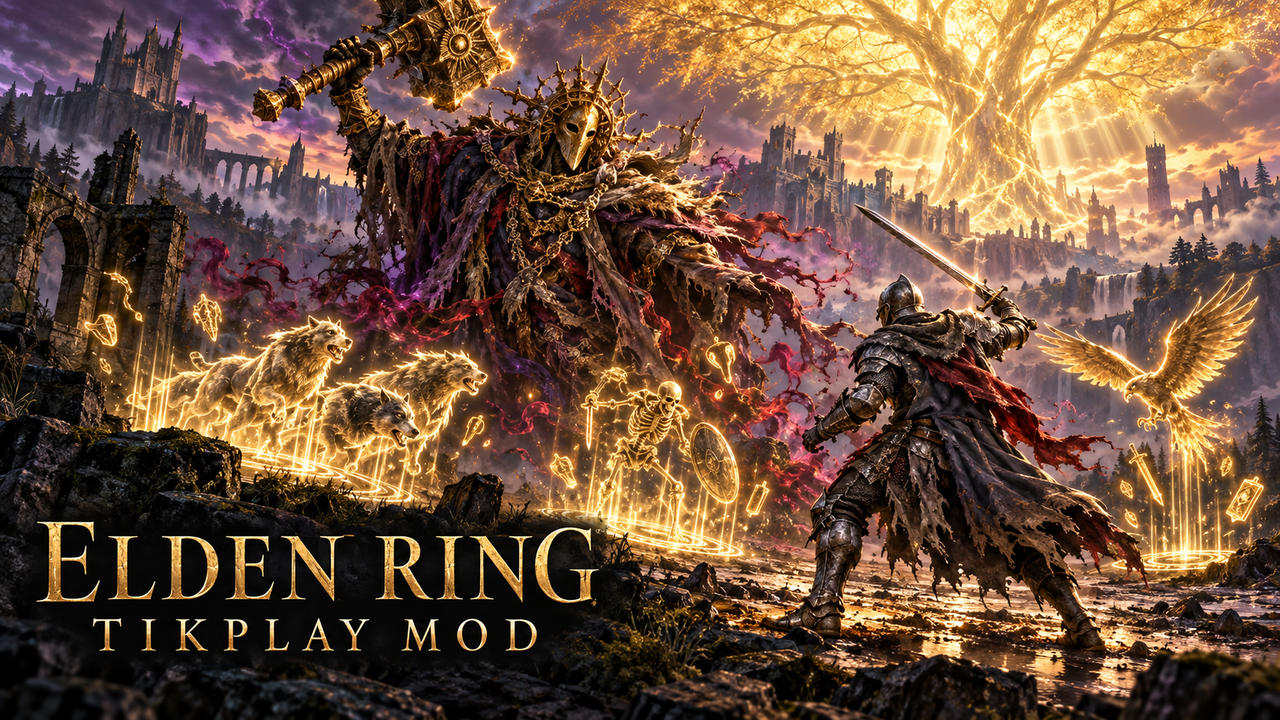
TikMesh Games are a new kind of game: two gaming worlds meet and become one. The first is Valheim x Minecraft, and more are on the way. ELDEN RING joins the modded games too: your viewers spawn bosses, hand you legendary weapons and much more. You play both only in the TikPlay Launcher.
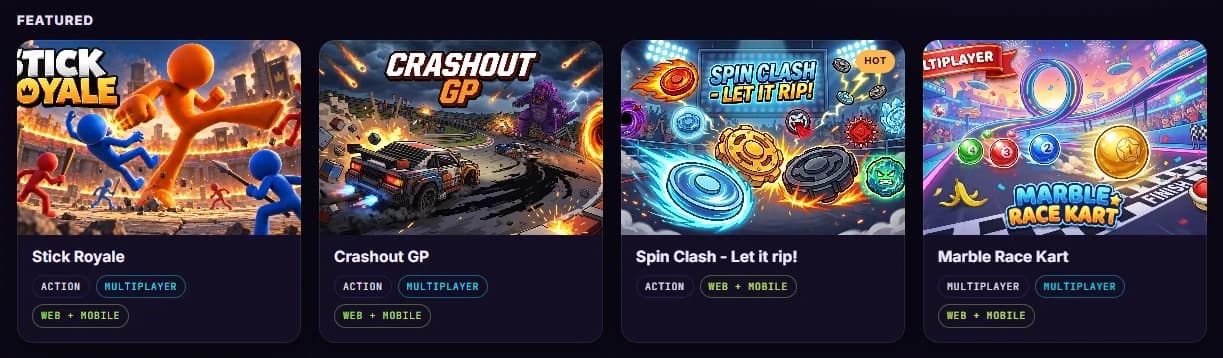
The TikPlay Launcher on Windows: the game library with featured games.

What is inside

Built for streaming. Not for browsing.

All TikPlay games

The whole library, with new games the day they launch. Every game opens in its own window, so you capture exactly that window in OBS or TikTok LIVE Studio.

Modded games

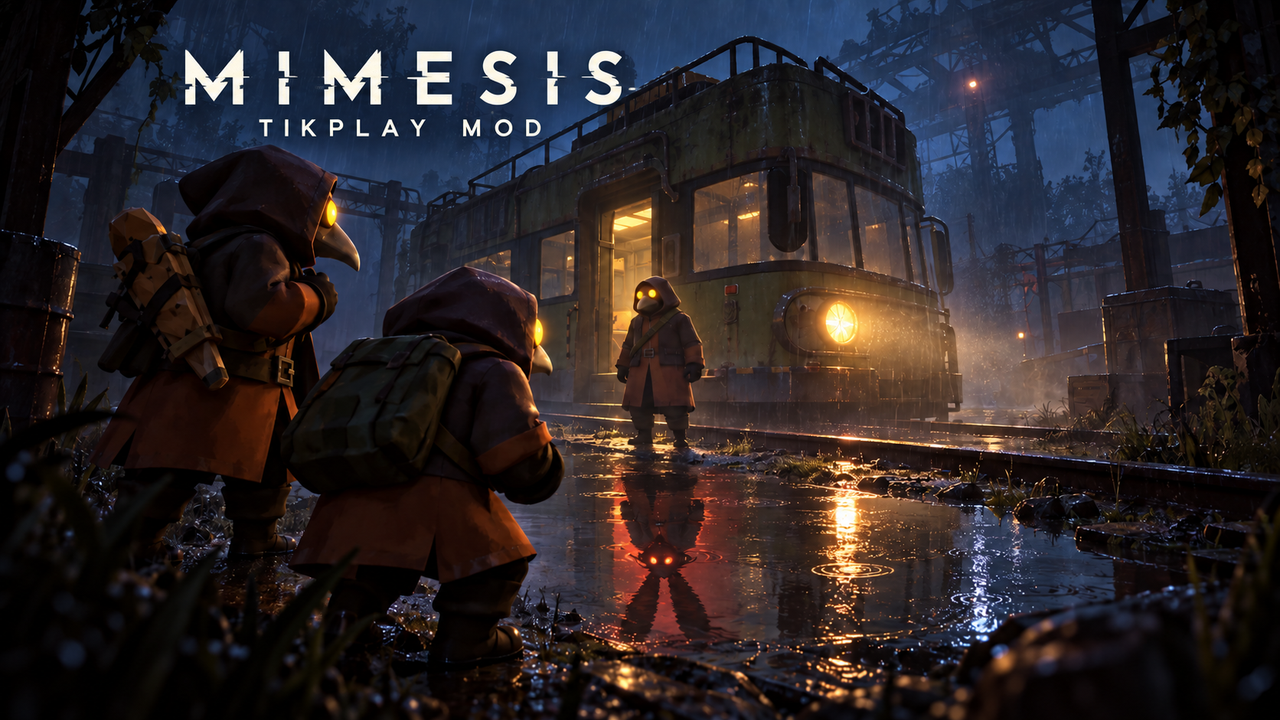
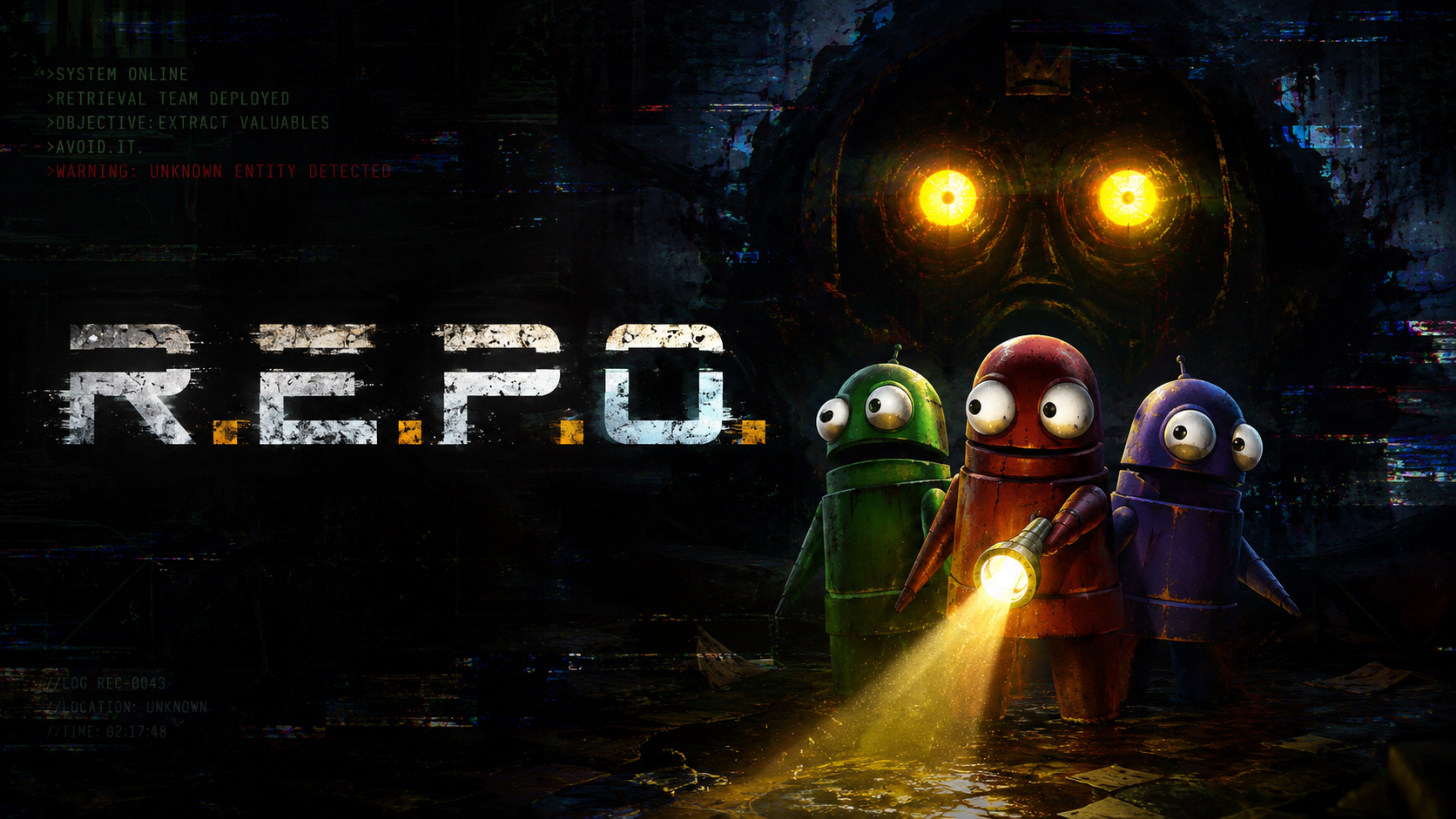
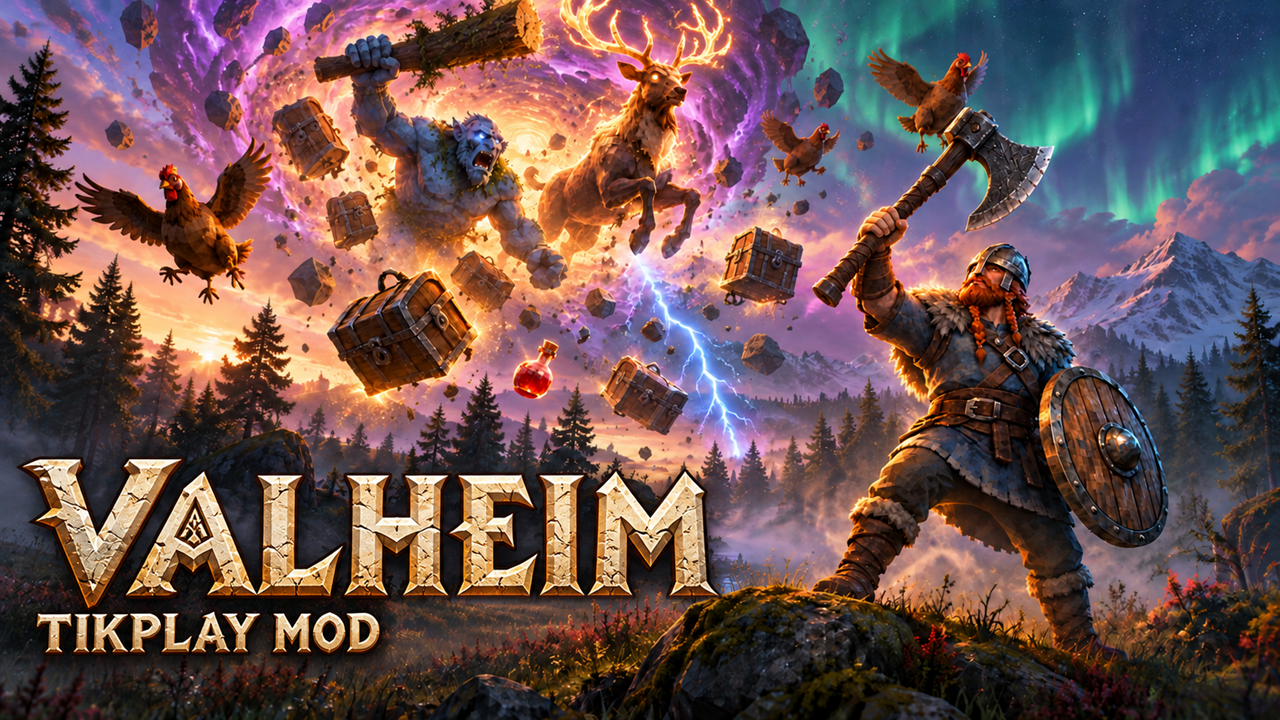
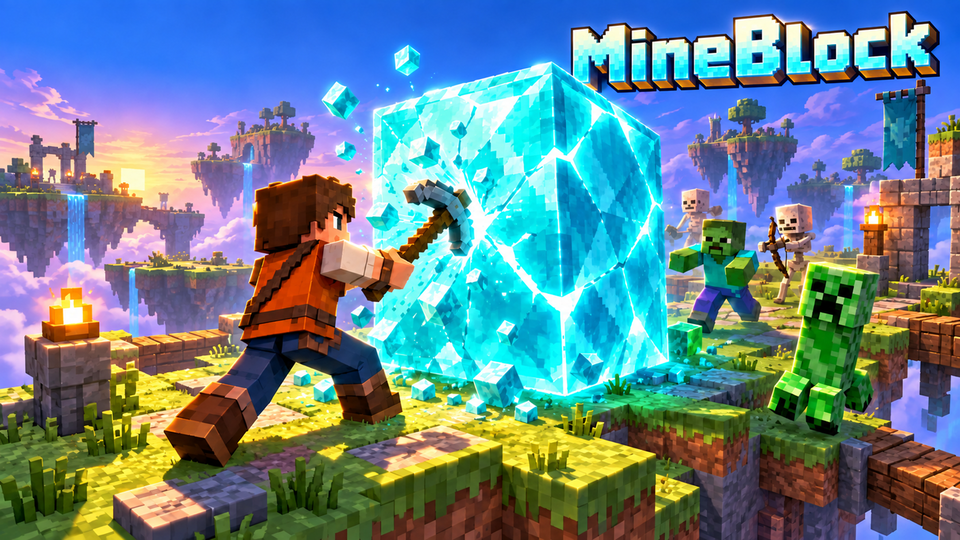
Mods for real PC games: TikPlay games inside Minecraft, plus Valheim, ELDEN RING, R.E.P.O. and MIMESIS from your Steam library. Installed with one click.

Overlay studio

All 125 overlays and scenes, the same as on the website. Change something and it updates live on your stream.

OBS and Streamer.bot

Your LIVE on TikTok, YouTube or Twitch switches OBS scenes, shows OBS sources or runs Streamer.bot actions: on a TikTok gift or like goal, Twitch Bits, a sub or a raid, a YouTube Super Chat or a new member, a follow or a chat keyword.

Battles and viewers

Follow your TikTok battles with your win rate and history, and see who supports you on TikTok, YouTube and Twitch: top gifters, new faces and regulars.

Stream analytics

Gifts, likes, comments and your top supporters for every stream on TikTok, YouTube and Twitch, in one place.

Modded games

Your chat. In real games.

The mods come with the launcher and cost nothing extra.

MineBlock

MineBlock

Minecraft
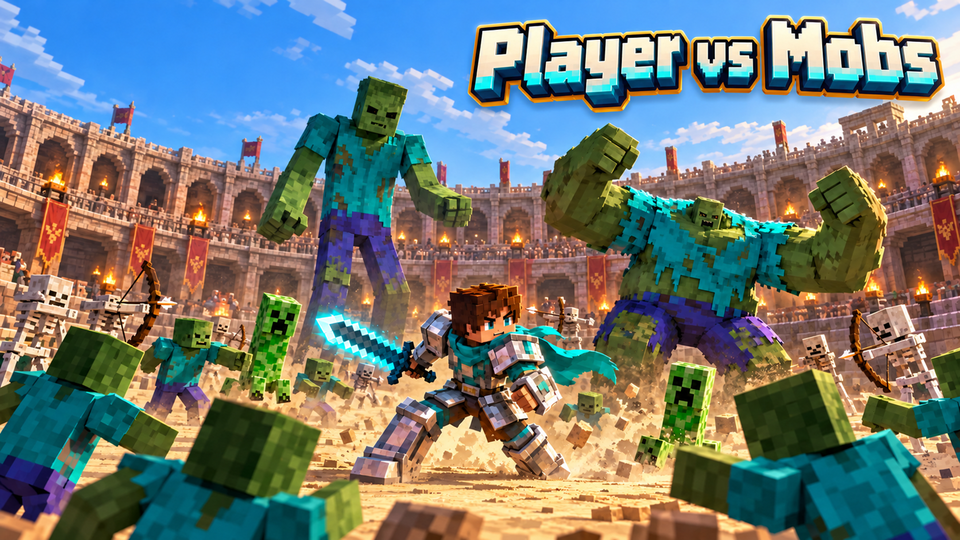
Player vs Mobs

Player vs Mobs

Minecraft
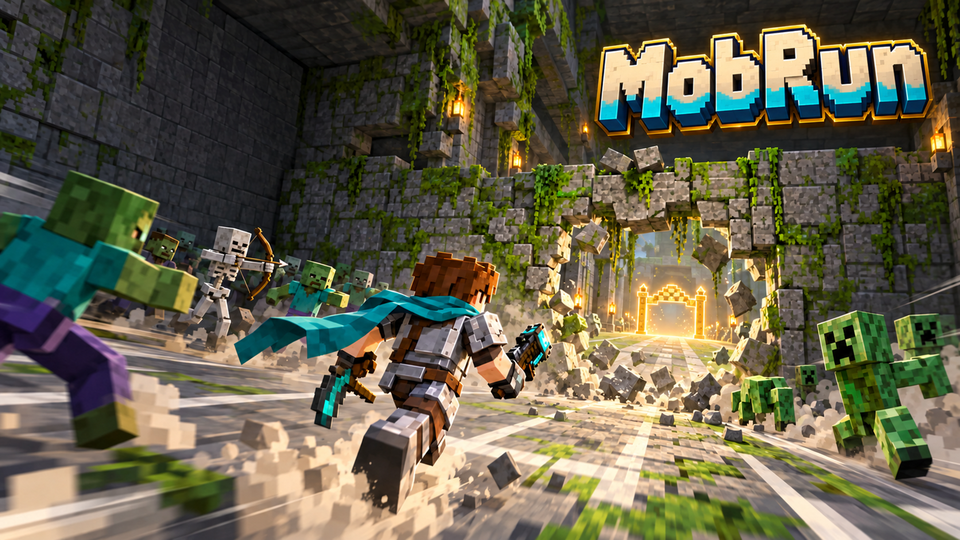
MobRun

MobRun

Minecraft
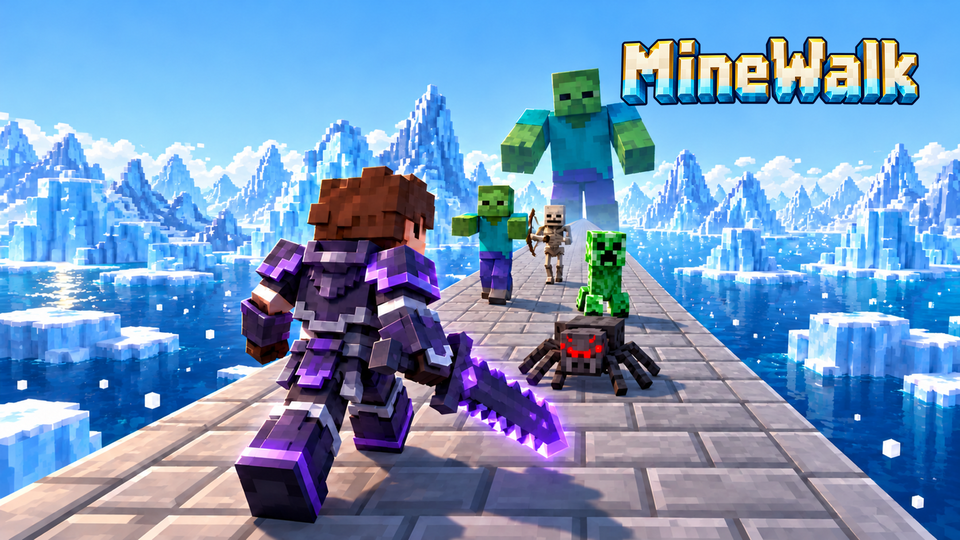
MineWalk

MineWalk

Minecraft
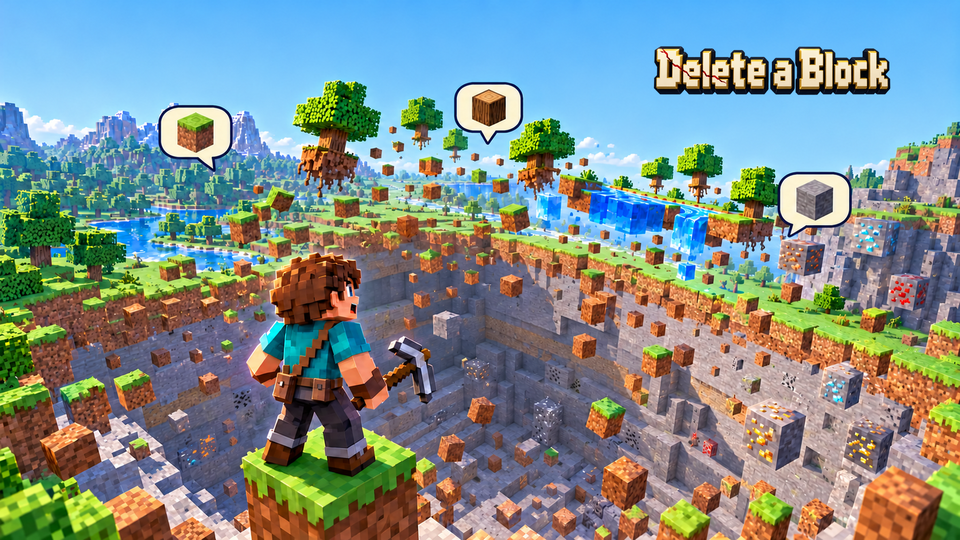
Delete a Block

Delete a Block

Minecraft
MIMESIS

MIMESIS

Steam
R.E.P.O.

R.E.P.O.

Steam
Valheim

Valheim

Steam
ELDEN RING

ELDEN RING

Steam
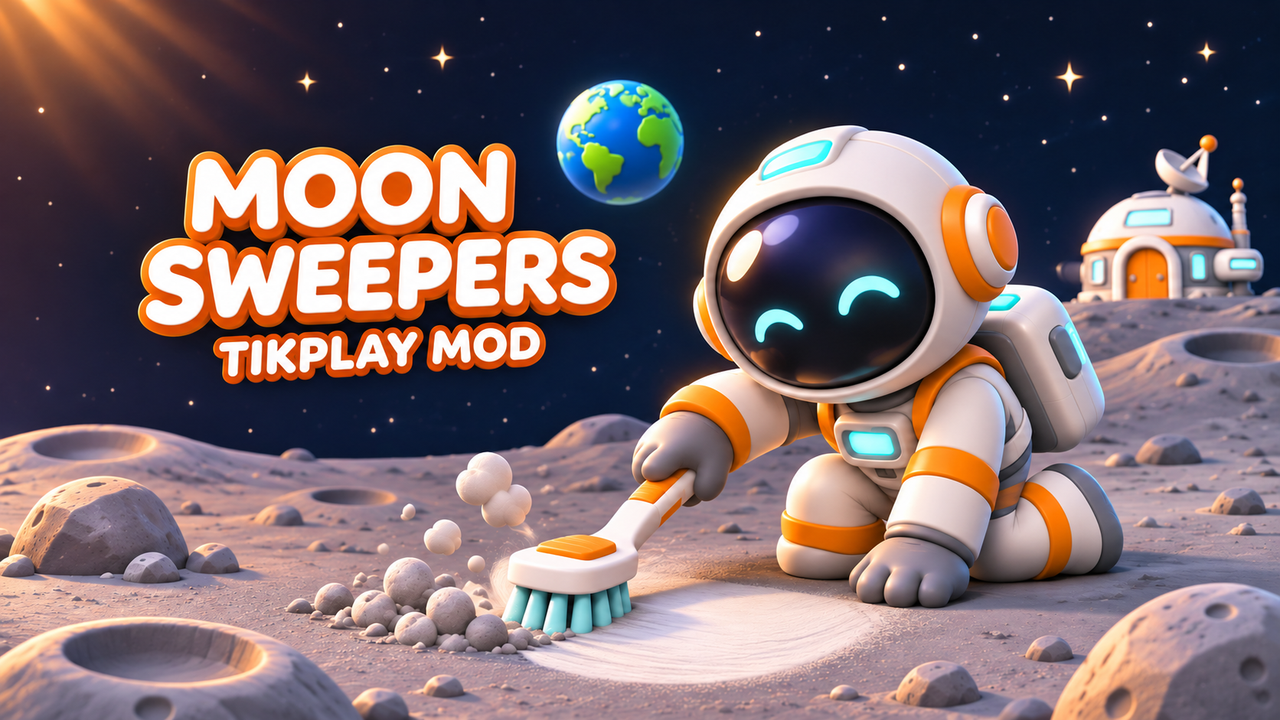
Moon Sweepers

Moon Sweepers

Steam
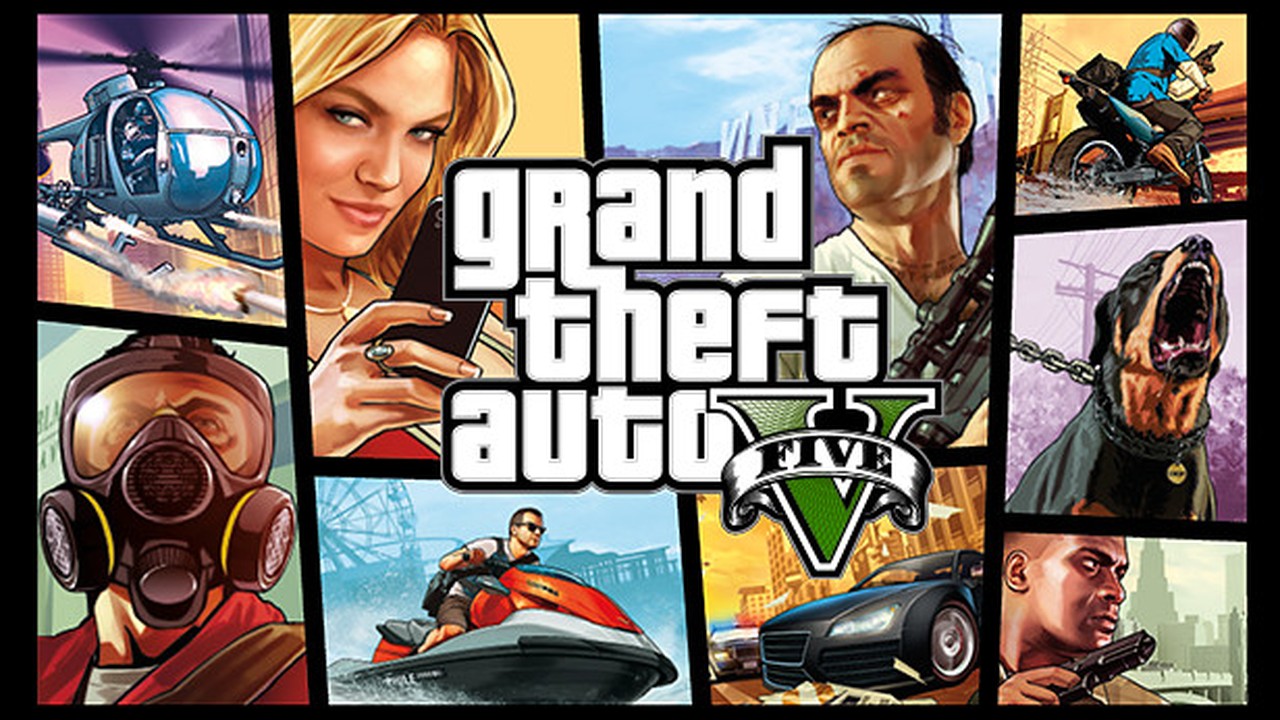
GTA V

GTA V

Steam

TikMesh Games

Two worlds. One game.

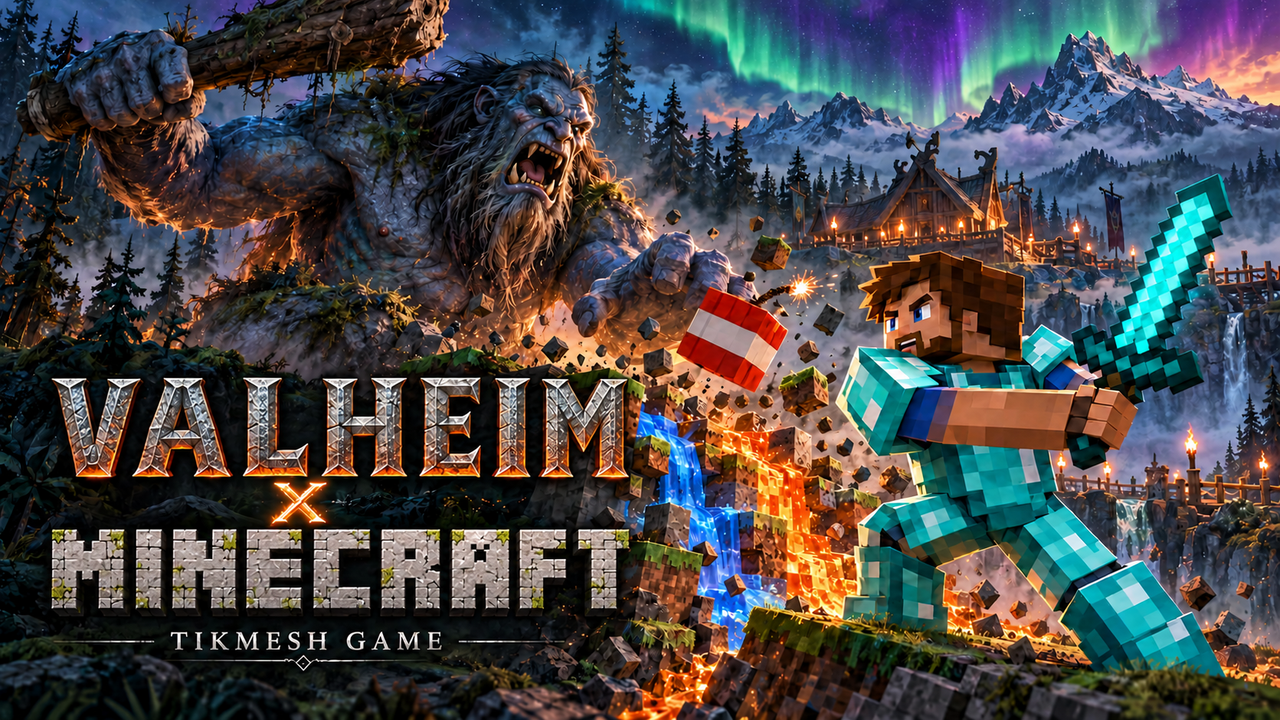
In TikMesh Games, gaming worlds meet and become one game. Valheim x Minecraft is the first: you explore Valheim's world as a real Minecraft player, build and dig with Minecraft blocks, and your chat sends Elytra, TNT, mobs and bosses your way. Only in the launcher.

Valheim x Minecraft

Valheim x Minecraft

TikMesh

Needs Valheim on Steam and Minecraft: Java Edition

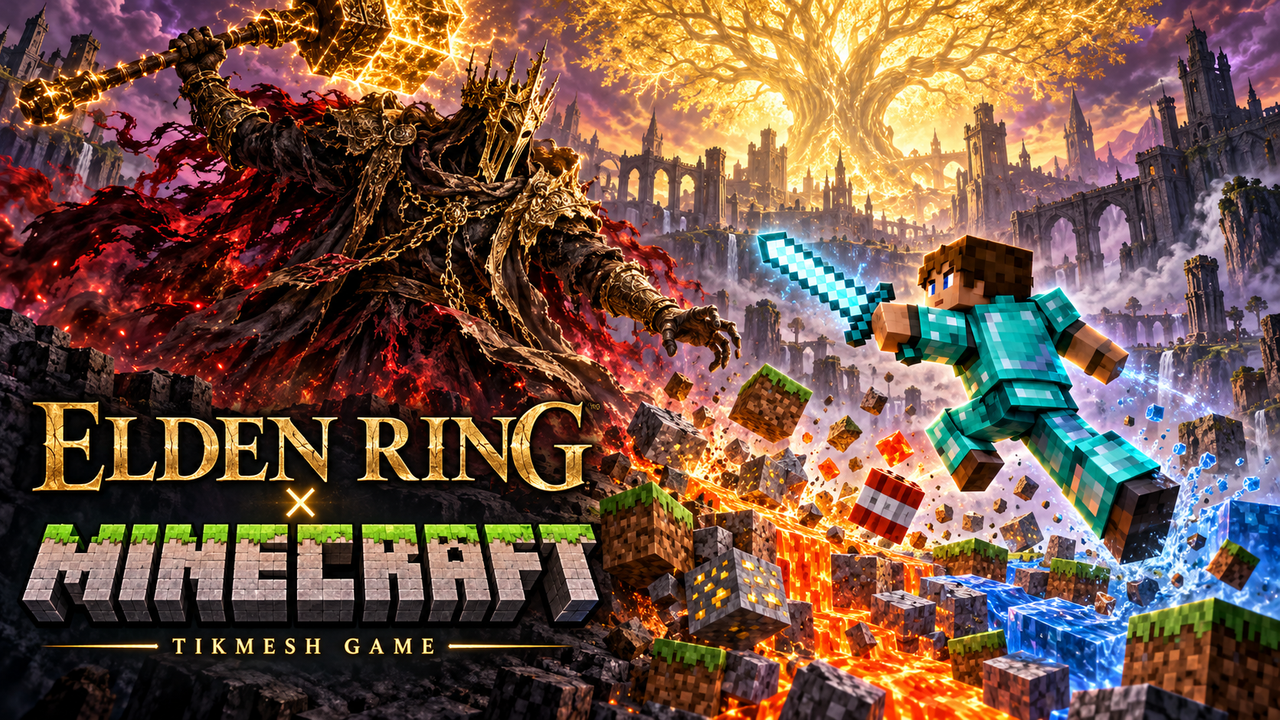
ELDEN RING x Minecraft

ELDEN RING x Minecraft

TikMesh

Needs Valheim on Steam and Minecraft: Java Edition

More worlds are coming

The next TikMesh Games are already in the works. Update the launcher and they show up on their own.

Setup

Installed in minutes. Live right after.

  1. Download and install

    Run the installer. From then on the launcher keeps itself up to date.

  2. Sign in

    Use your TikPlay account. TikPlay Super, your Day Pass, your Tiks and your settings are the same as on the web and in the app.

  3. Connect your LIVE

    Add your TikTok ID or link YouTube and Twitch in the settings. Go live and click "Connect with TikPlay". Then pick a game or a mod.

Windows shows a warning?

  1. Windows 11 blocks the installer: Smart App Control is on. Open "Windows Security", then "App & browser control", then "Smart App Control settings", and choose "Off". Otherwise Windows also blocks the launcher's updates.
  2. "Windows protected your PC": click "More info", then "Run anyway".

Windows warns about new apps it does not know yet.

Questions about the launcher

Is the TikPlay Launcher free?

Yes. The download, every game that is free on the web and all mods cost nothing. Streaming time works like on the web: 30 minutes of LIVE connection a day on TikTok, YouTube and Twitch for free, unlimited with TikPlay Super or a Day Pass.

Windows shows a warning when I install the launcher. What do I do?

Windows warns about new apps it does not know yet. If you see "Windows protected your PC", click "More info", then "Run anyway". On Windows 11, Smart App Control can block the installer and the launcher's updates completely: open "Windows Security", then "App & browser control", then "Smart App Control settings", and choose "Off". The setup video on this page shows both.

Do I need the launcher to use TikPlay?

No. TikPlay runs in your browser. The launcher adds what a browser cannot do: mods for other games, separate game windows for OBS and triggers for OBS and Streamer.bot.

Does it run on Mac or Linux?

Not yet. The launcher is made for Windows 10 and 11. On a Mac, use TikPlay in your browser.

How do I show a game on my stream?

Every game opens in its own window. In OBS Studio or TikTok LIVE Studio, add a window capture and pick that window.

Does the launcher update itself?

Yes. The launcher checks for new versions on its own and updates itself, so new games, mods and features arrive without a new download.

TikPlay Launcher for Windows: Games for TikTok, YouTube & Twitch