Minecraft x TikTok LIVE

Your chat. In Minecraft.

TikPlay brings its own games into real Minecraft. Your TikTok LIVE viewers send zombies, giant monsters, the Warden and the Wither, or help you with weapons, healing and better gear. The free TikPlay launcher sets up your own Minecraft server in a few minutes.

The games

Pick your game. Switch any time.

All games run on the same server. You switch between them with one command, and each one continues where you stopped.

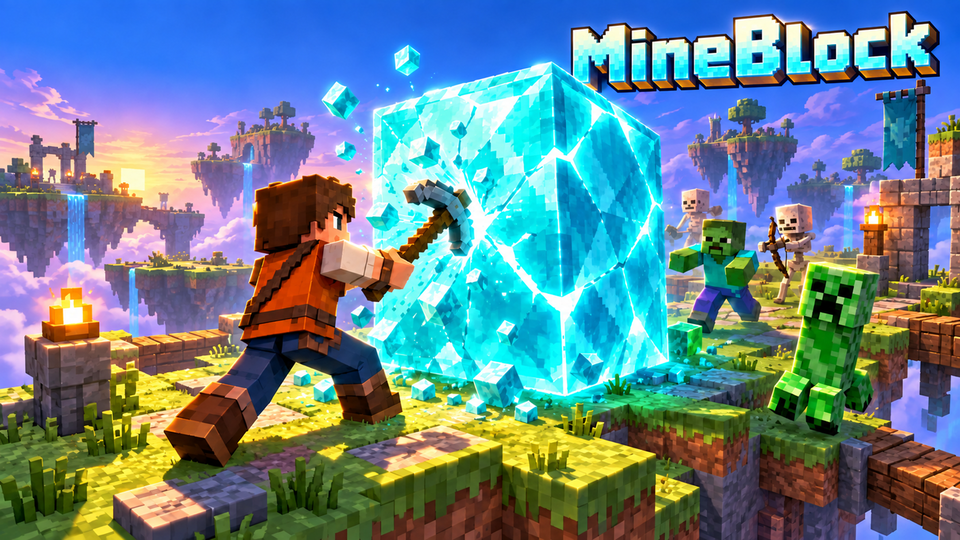
MineBlock

MineBlock

MineBlock in real Minecraft: mine the diamond block in the middle of a floating arena while your viewers heal it or damage it, upgrade or downgrade your gear and send zombies, ghasts, the Warden and the Wither. Break the set number of blocks to win; too many deaths lose the game. Your wins and losses are counted, and the game continues where you stopped. Three maps; block HP, blocks to win and the death limit are up to you.

v1.12.3
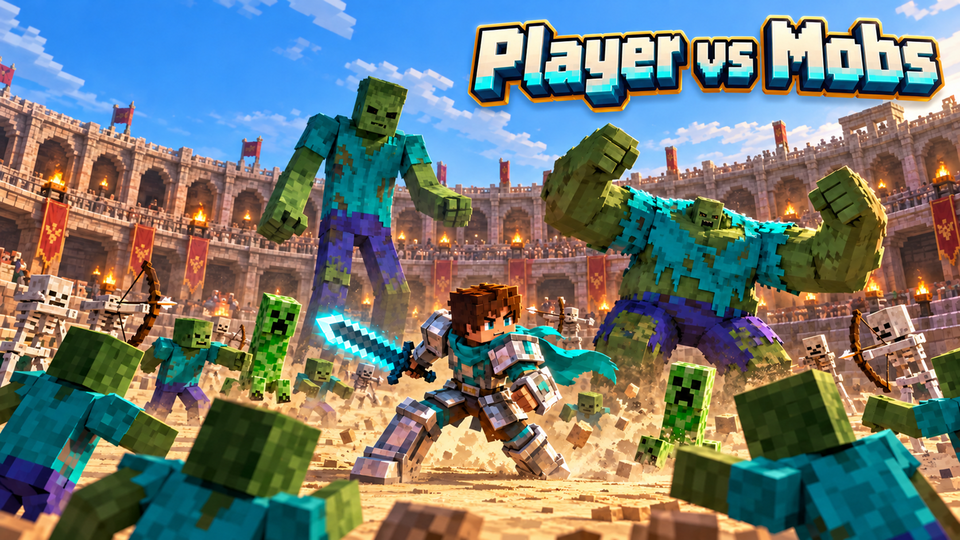
Player vs Mobs

Player vs Mobs

Player vs Mobs in real Minecraft: fight in an arena while your viewers send zombies, spiders, giant monsters and bosses like the Warden and the Wither. They can also help: rocket launcher, minigun, grenades, lightning staff, healing and better gear. Reach the kill goal to win the round. Three maps; kill goal, death limit and weapon time are up to you. Your wins and losses are counted, and the game continues where you stopped. TikPlay's own guns: AK-47, shotgun, sniper rifle, minigun, rocket launcher and grenades, and every player picks their own buttons.

v1.12.3
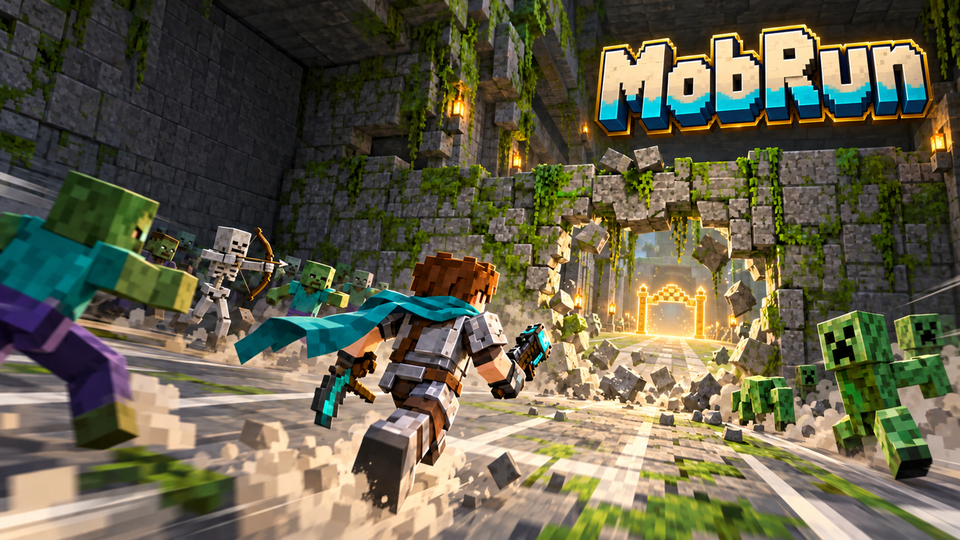
MobRun

MobRun

MobRun in real Minecraft: run through a long tunnel to the gold finish and mine through the walls on the way. Your viewers send zombies, spiders, giant monsters and bosses, push you back or rebuild the walls. They can also help: speed, weapons, healing, better gear or a blasted wall. Every death sends you back to the start. Four levels take turns after each finished run: Forest Tunnel, Desert Tomb with hurdles, Ice Tunnel with a slide lane and the Nether Tunnel with slowing soul sand. Runs to win, death limit and weapon time are up to you. The start room is a safe zone up to the light blue line. Your wins and losses are counted, and the game continues where you stopped. TikPlay's own guns: AK-47, shotgun, sniper rifle, minigun, rocket launcher and grenades, and every player picks their own buttons.

v1.12.3

Needs Minecraft: Java Edition 26.2 / 26.3 (not Bedrock).

Setup

Your own server. Without the server stuff.

  1. Install the TikPlay launcher

    Free for Windows 10 and 11. Sign in with your TikPlay account.

  2. Create your server

    Open Modded Games, then the Minecraft server. Java, Paper, ViaVersion and TikPlay install by themselves, you only choose how much memory the server gets.

  3. Join with Minecraft: Java Edition

    Click Play on a game. The Minecraft Launcher opens: start Minecraft: Java Edition and you land right in the game. The first start downloads the right Minecraft version.

  4. Connect your LIVE

    Go live, connect TikTok in the launcher and choose which gift, like goal, comment keyword, follow or share triggers what.

In-game commands

Everything in the chat. Everything clickable.

Maps, goals, death limits and weapon time are set right in the Minecraft chat or in the launcher.

/tikplay

Shows the TikPlay games on your server and which one runs. Click a game in the chat to start it.

/tikplay guns

Opens your gun buttons: which button shoots, which key reloads, reloading by itself and recoil. Also in the pause menu (Esc) under "TikPlay Guns".

/tikplay play <game>

Starts a game, for example /tikplay play mineblock.

/tikplay lang <auto|en|de|tr|id|fr|es|pt|it>

Sets the language of all TikPlay texts in the game. "auto" (the default) uses the language set in Minecraft.

/tikplay stop

Stops the running TikPlay game. The server keeps running.

/mineblock

Opens the MineBlock settings in the chat. Everything there is clickable. Short form: /mb

/mineblock map <grassland|nether|frozen>

Switches the map: Grassland, Nether Forge or Frozen Peak.

/mineblock hp <1-1000000>

Sets the diamond block's HP. The block starts over with that value.

/mineblock goal <1-999>

Sets how many blocks you have to break to win the game.

/mineblock deaths <1-999>

Sets the death limit: after this many deaths the game is lost.

/mineblock restart

Starts a new game: full HP, blocks, kills and deaths back to 0, all mobs gone. Wins, losses, buffs and gear stay.

/mineblock resetwins

Sets the win and loss counters back to 0.

/mineblock reset

The game normally continues where you stopped, even after a restart. This starts it from zero: wins and losses, buffs, gear, blocks and deaths back to the start, all mobs gone. Your settings stay.

/mineblock hud [on|off]

Shows or hides the stats above the hotbar (time, deaths, kills; under them your buffs) and the wins and losses.

/pvm

Opens the Player vs Mobs settings in the chat. Everything there is clickable. Long form: /playervsmobs

/pvm map <colosseum|nether|frozen>

Switches the map: Colosseum, Nether Pit or Frozen Arena.

/pvm kills <1-5000>

Sets the kill goal: this many kills win the round.

/pvm deaths <1-999>

Sets the death limit: after this many deaths the round is lost.

/pvm weapons <5-300>

Sets how many seconds a weapon from a viewer lasts.

/pvm restart

Starts the round over: kills and deaths back to 0, all mobs gone.

/pvm resetwins

Sets the win and loss counters back to 0.

/pvm reset

The game normally continues where you stopped, even after a restart. This starts it from zero: wins and losses, gear, damage buff, kills and deaths back to the start, all mobs gone. Your settings stay.

/pvm guns [tikplay|simple]

Picks the guns viewers send: "tikplay" (TikPlay's own guns) or "simple" (the simple TikPlay weapons).

/pvm hud [on|off]

Shows or hides the stats above the hotbar (time, deaths; under them damage buff and gear), the wins and losses and the weapon countdown bar.

/mobrun

Opens the MobRun settings in the chat. Everything there is clickable. Short form: /mr

/mobrun map <forest|desert|frozen|nether>

Takes you to a map right away and starts a new game: Forest Tunnel, Desert Tomb, Ice Tunnel or Nether Tunnel.

/mobrun rotate [on|off]

On: after each finished run the next level follows. Off: always the same map.

/mobrun wins <1-99>

Sets how many runs to the finish win the game.

/mobrun deaths <1-99>

Sets the death limit: after this many deaths the game is lost.

/mobrun weapons <5-300>

Sets how many seconds a weapon from a viewer lasts.

/mobrun restart

Starts the run over: back to the start, walls rebuilt, all mobs gone.

/mobrun resetwins

Sets the counters for won and lost games back to 0, and the runs and deaths of the game you are in.

/mobrun reset

The game normally continues where you stopped, even after a restart. This starts it from zero: wins and losses, gear, runs and deaths back to the start, walls rebuilt, all mobs gone. Your settings stay.

/mobrun guns [tikplay|simple]

Picks the guns viewers send: "tikplay" (TikPlay's own guns) or "simple" (the simple TikPlay weapons).

/mobrun hud [on|off]

Shows or hides the stats above the hotbar (time, deaths, runs; under them gear and effects), the wins and losses and the weapon countdown bar.

Questions about TikPlay in Minecraft

Is TikPlay for Minecraft free?

Yes. The launcher, the server setup and the Minecraft games cost nothing. Streaming time works like everywhere on TikPlay: 30 minutes of TikTok LIVE connection a day for free, unlimited with TikPlay Super or a Day Pass.

Does it work with Bedrock, consoles or Realms?

No. The games run on a Paper server on your PC, and you join with Minecraft: Java Edition.

Which Minecraft version do I need?

You join with Minecraft: Java Edition 26.2 / 26.3. The launcher shows the current version in the server setup.

Do I have to set up a server myself?

No. The launcher downloads and sets up everything: Java, the Paper server, ViaVersion and the TikPlay plugin. You only pick the memory.

Which languages does it speak?

All TikPlay texts in the game come in English, German, Turkish, Indonesian, French, Spanish, Portuguese and Italian. By default they follow the language of your Minecraft, and /tikplay lang switches it.

Do I keep my progress?

Yes. Your wins and losses are counted, and every game continues where you stopped.